How to cancel your subscription
This article explains how to cancel your subscription in Visily.
Before you start
Only the Workspace Owner and Admins can cancel a subscription.
Steps
- Open the workspace whose subscription you want to cancel. If you have multiple workspaces, use the Workspace dropdown menu to find and access the correct one.

- Click the Plan tag at the top of the side panel to open the Billing & Plans page.

- Click Cancel subscription.

- Review the impact of cancellation.

- Confirm the cancellation.

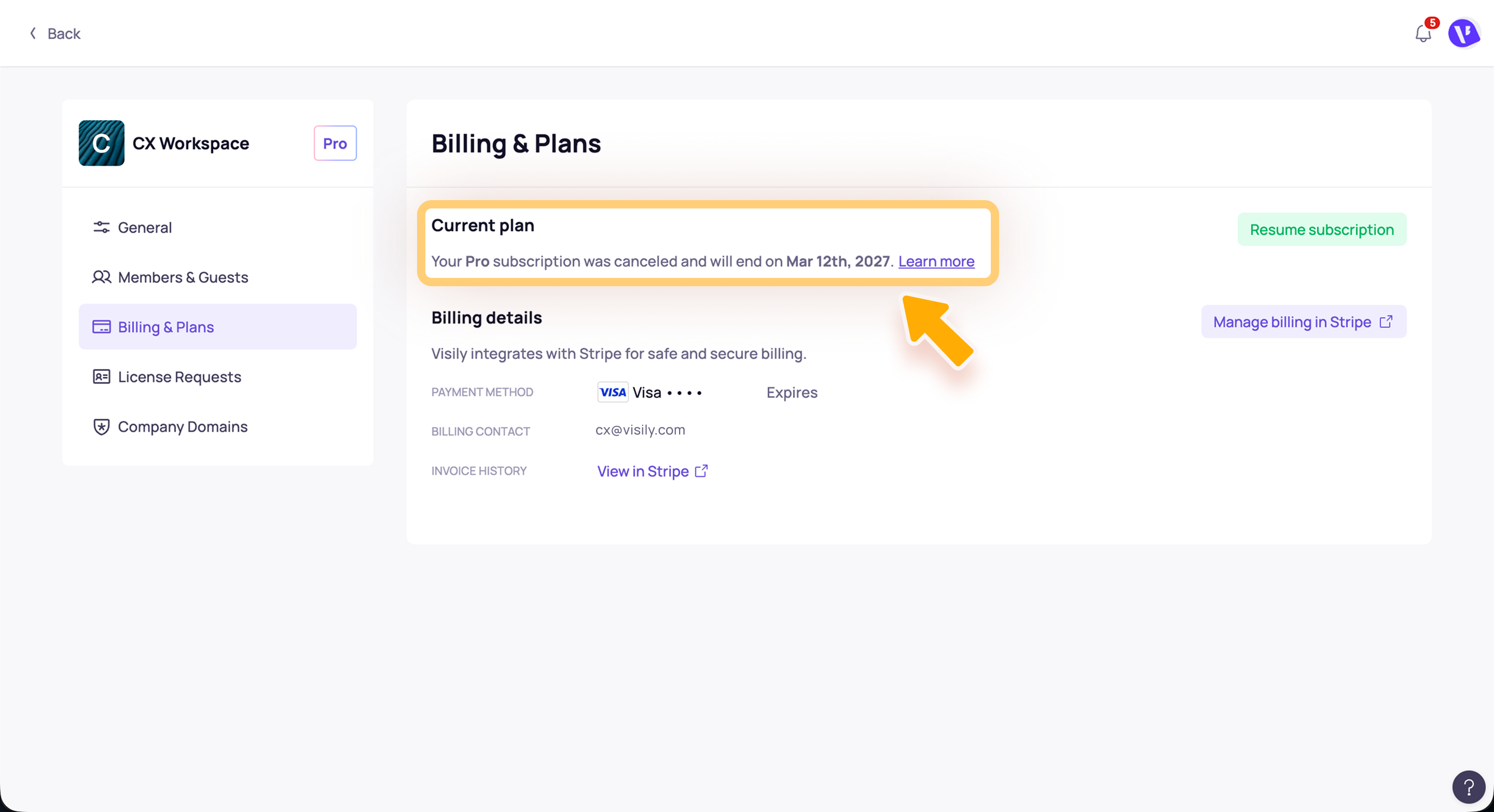
Once the cancellation is completed, your subscription will
remain active until the end of your current billing cycle. After that, the workspace will be downgraded to the Free plan.
Payments for Visily subscriptions are
non-refundable upon subscription termination. For detailed information, refer to
Visily’s Term of Services.
Need more help?
If this does not solve your issue, contact support and include a screenshot if possible.
Related Articles
How to resume your subscription
This article explains how to resume your subscription in Visily after it has been canceled but before the current billing cycle ends. Before you start Only the Workspace Owner and Admins can access Billing & Plans and manage subscription changes. ...
How billing and licenses work in Visily
Billing in Visily is based on your workspace plan, billing cycle, and the number of licenses assigned to workspace members. Use Billing & Plans to review your current subscription, manage licenses, update billing details, and cancel your subscription ...
Impacts when downgrading to Free plan
Cancelling your subscription will downgrade your workspace to the Free plan at the end of the billing cycle. Here are a few things to keep in mind before you downgrade: Need more help? If this does not solve your issue, contact support and include a ...
Payment methods in Visily
Use Billing & Plans in Workspace settings to add, update, or remove the payment method for your Visily subscription. Before you start Only Workspace Owners and Workspace Admins can access billing settings and update payment methods. Accepted payment ...
How to manage workspace licenses
Manage workspace licenses when you need to add seats for new Editors or Admins, reduce unused licenses, or reassign a license from one member to another. Before you start Only the Workspace Owner and Workspace Admins can manage licenses. How to ...